Minecraft, rewritten in Rust

A PvP client for Java Edition. No Java while you play.

Download coming soon

Get notified on Discord

Mods 7 of 36 on
  • Keystrokes, as the game's Mods window previews it
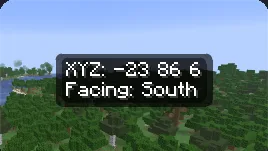
  • Coordinates, as the game's Mods window previews it
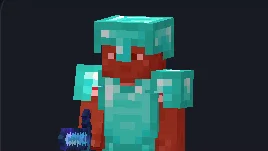
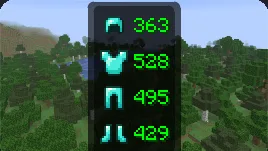
  • Armour status, as the game's Mods window previews it
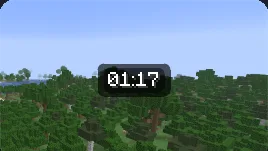
  • Clock, as the game's Mods window previews it
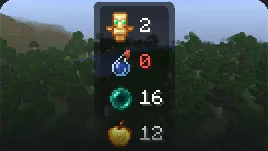
  • Item counters, as the game's Mods window previews it
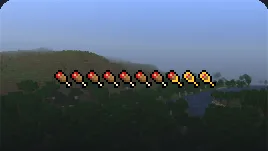
  • Saturation, as the game's Mods window previews it
  • Crosshair, as the game's Mods window previews it
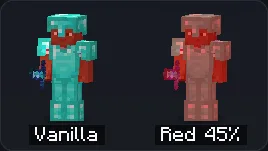
  • Hit colour, as the game's Mods window previews it
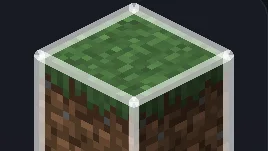
  • Block outline, as the game's Mods window previews it
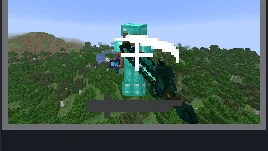
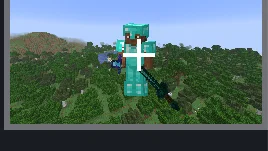
  • 1.8 combat look, as the game's Mods window previews it
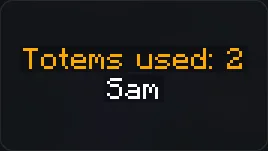
  • Totem pops, as the game's Mods window previews it
  • Overlay tweaks, as the game's Mods window previews it
  • Zoom, as the game's Mods window previews it
  • Fullbright, as the game's Mods window previews it
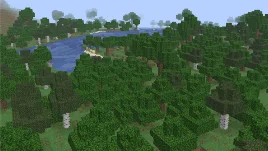
  • Time and weather, as the game's Mods window previews it
  • Clear water and lava, as the game's Mods window previews it
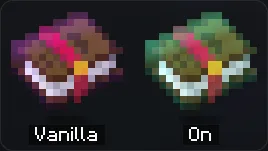
  • Glint colour, as the game's Mods window previews it
  • Dynamic lights, as the game's Mods window previews it
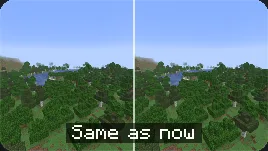
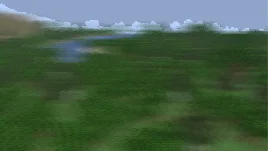
  • Motion blur, as the game's Mods window previews it
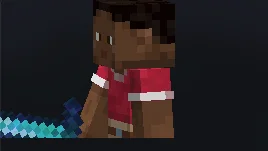
  • 3D skin layers, as the game's Mods window previews it
  • Own name tag, as the game's Mods window previews it
  • Hide block particles, as the game's Mods window previews it
  • Mouse tweaks, as the game's Mods window previews it
  • Inventory sort, as the game's Mods window previews it
  • Enchantment numbers, as the game's Mods window previews it
  • Auto-reconnect, as the game's Mods window previews it
Right Shift opens Pip Client over your game. Try it: switch tabs, turn mods on, open a picture.

The engine

Java Edition, without the Java

The same game, written again in Rust. Same servers, same account.

Java Edition

  1. Your game
  2. Java VM
  3. Your PC

Pip Client

  1. Your game
  2. Your PC
  • No garbage collector

    Native code, with no collector pauses.

  • The servers you play on
    Built to behave like vanilla to servers.

  • Java once, at setup

    Setup reads your game once; play never runs Java.

Plays 26.3 · joins 1.21.11 servers · Benchmarks against Lunar and vanilla: measuring now

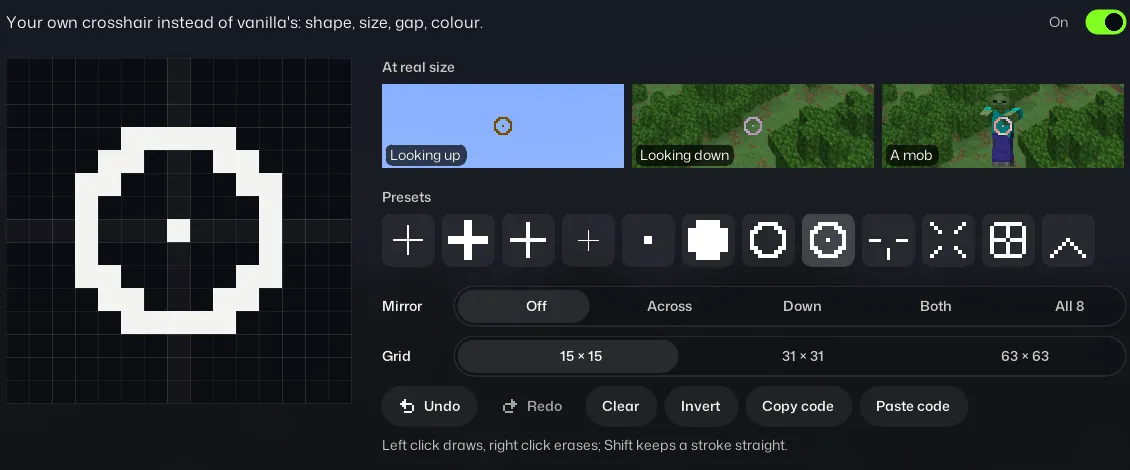
  • The crosshair editor, switched on: a circle with a dot drawn on its 15 by 15 grid, presets and a preview at real size
    Draw your crosshair

    Paint it pixel by pixel, right here.
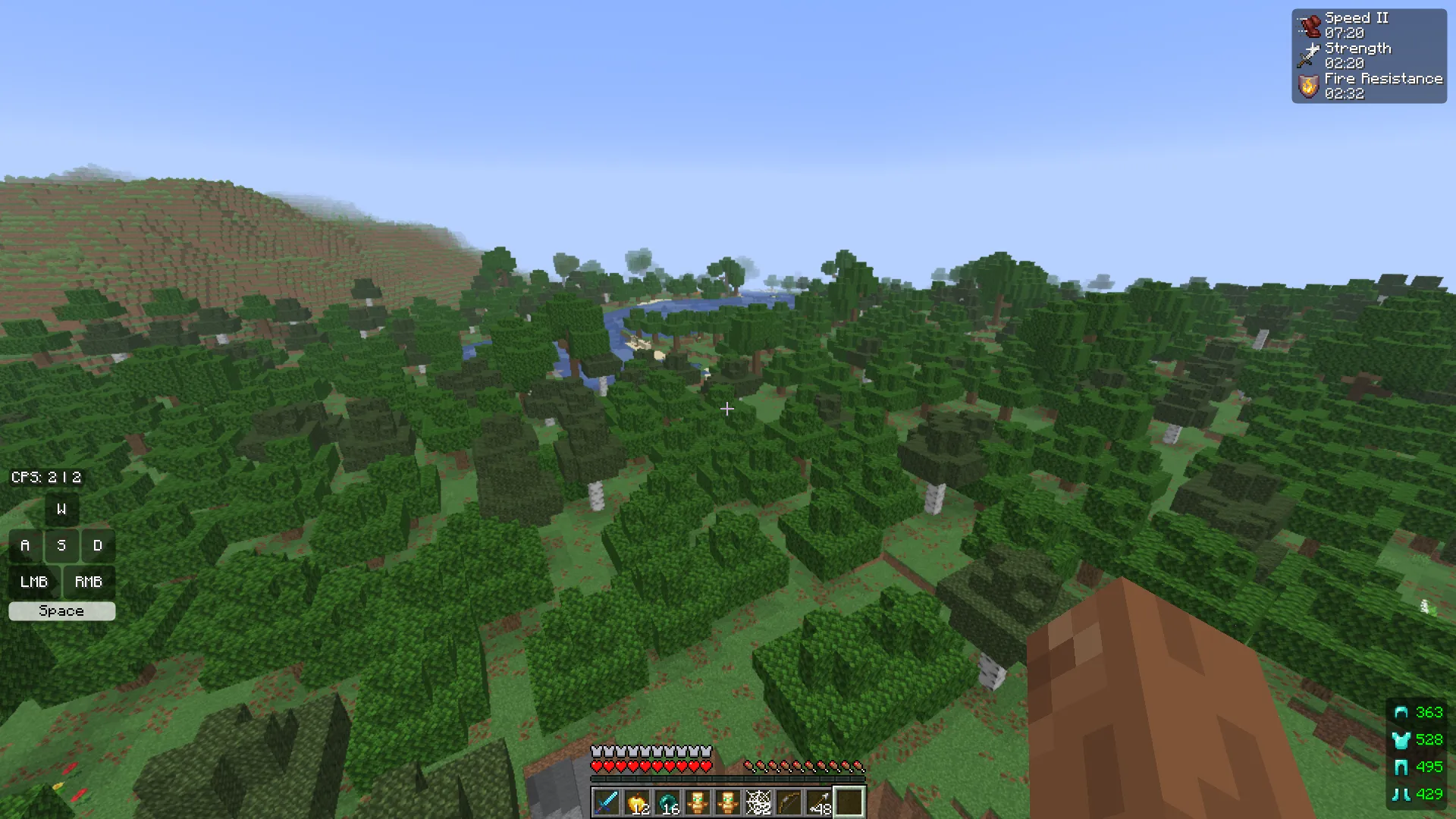
  • The HUD in play: CPS top left, effects top right, keystrokes and armour status bottom right, the hotbar below

    Your HUD, in place

    Drag and resize each widget over the game.
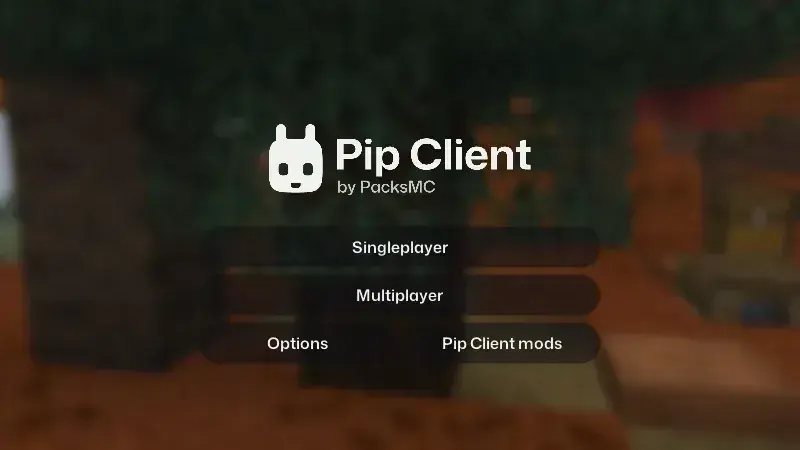
  • The Pip Client main screen

    A main screen of its own

    Singleplayer, Multiplayer and your options, with the world behind them.

PacksMC packs

The PacksMC library, inside the game

  • The PacksMC library

    Open PacksMC from the Right Shift menu and browse its packs in game.

  • Get and switch

    Get a pack and switch to it without leaving your world.

  • Your own packs

    Packs in your resource packs folder work too.

Browse packs on packsmc.com

Mods

36 mods. Turn on what you use.

Built in, off until you turn them on.
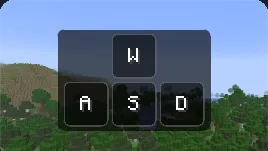
  • Keystrokes, as the game's Mods window previews it

    Keystrokes

  • Armour status, as the game's Mods window previews it

    Armour status

  • Glint colour, as the game's Mods window previews it

    Glint colour

  • Hit colour, as the game's Mods window previews it

    Hit colour

Play on Pip Client

Download coming soon

Get notified on Discord